Software versions 6.7.0 - 6.7.3 are unable to show a preview of .nc or .gbl files which makes them practically useless.
Software versions 6.6 are infected with virus ‘a variant of Win32/GenCBL.FSL trojan’ (from ESET)
Software versions 6.6 and below are fine.
Thank you, Jack!
I was afraid you left the company because recently I got totally dumb responses to my few purely technical questions from some definitely unqualified associate
BTW, because of him I got really pissed off and…resolved the issue by myself - activating homing functionality for NEJE Master 1 model
PS in my initial post there is a typo, the correct phrase is
’Software versions 6.5 and below are fine’
Hey, friend:
I have finished parsing and previewing gcode, please download the latest version of the control software v6.8.1
Note on the presence of viruses in v6.6.0:
v6.6.0 has a false positive for a virus, not a real virus
I resigned the file and it is now back to normal
Please re-download the v6.6.0 version of the experience
I’m sorry it took a long time to complete this feature, as I need to complete the new Flash control issue for the control board first.
If you have any comments, please let me know directly.
Have a nice day.
McAfee finds nothing.
So there is SOMETHING in your file that triggers alerts from SOME of protection software.
I’d recommend to use that site, virustotal, to confirm the file is totally clean.
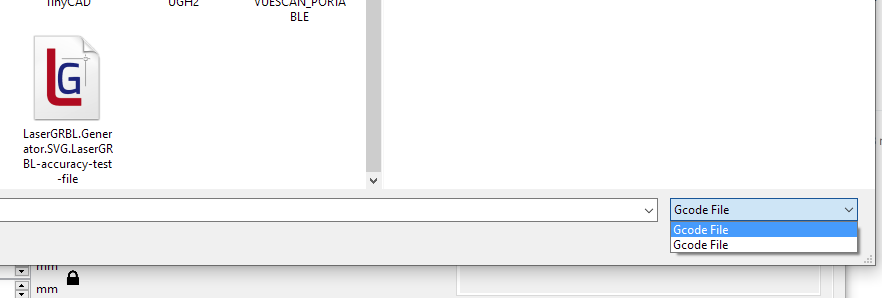
minor bug since version 6.6:
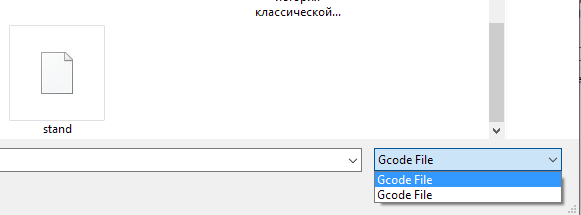
File/Load Gcode File/Open Gcode File (*.nc, *.gc)
Open file dialog, file type menu - shows two identical values: Gcode file/Gcode file:
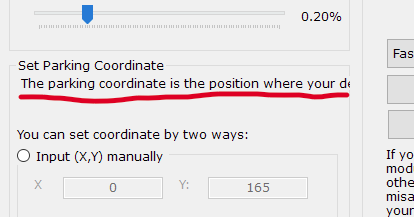
instead of the whole text:
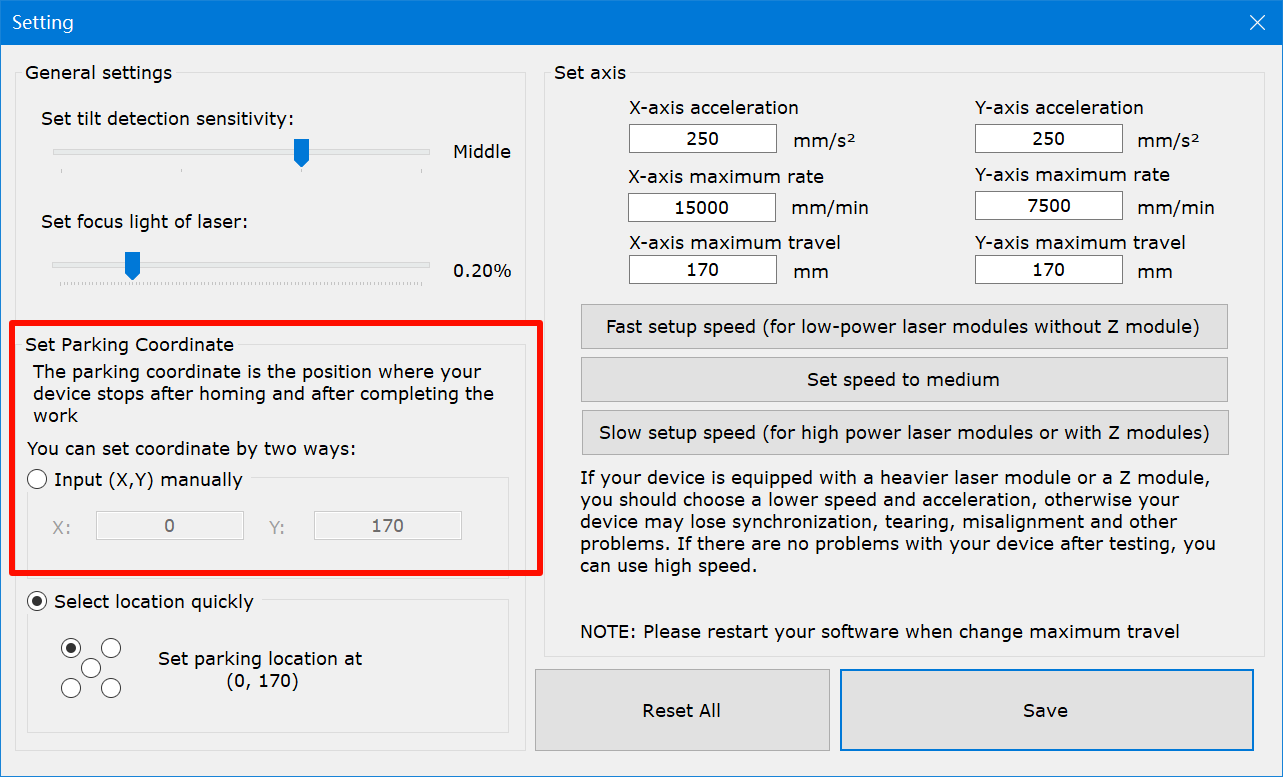
“The parking coordinate is the position where your device stops after homing and after completing the work”
These are all rather minor things, but they spoil the general impression of your software.
question:
previous releases provided explanations about which GRBL commands are accepted in NEJE mode, and they also had an instruction how to produce .nc files from .svg using early version if Inkscape.
So the latest 6.8.3 version - does it accept now ALL standard set of GRBL commands?
Any changes in instructions about generating .nc file from images?
Best Regards,
I work with software 6.8.3, system/neje/grbl versions 2.3.0, board hardware Neje 5 v2.0.1, set to model Neje 3
My device is Neje Master 7W, with laser module 20W.
My Device/Settings/Set Parking coordinate/Select Location Quickly
When selected parking location is top right or bottom right or bottom left (anything but top left) and X-axis and Y-axis maximums are>150mm (model default upper limit is 170mm) -
then homing works not really right.
This is what happens:
when ‘Homing’ button is clicked, the device first moves the laser head 20mm further both in X and Y directions;
this movement exceeds the rails length and motors are stalled and belts are making bad sound; in a long term this will lead to motors or belts damage.
Not sure how to resolve that. Maybe, disable parking anywhere but top left location, or, when other corners are selected, throw a warning that max axis limits must be below 150 mm
Other than that:
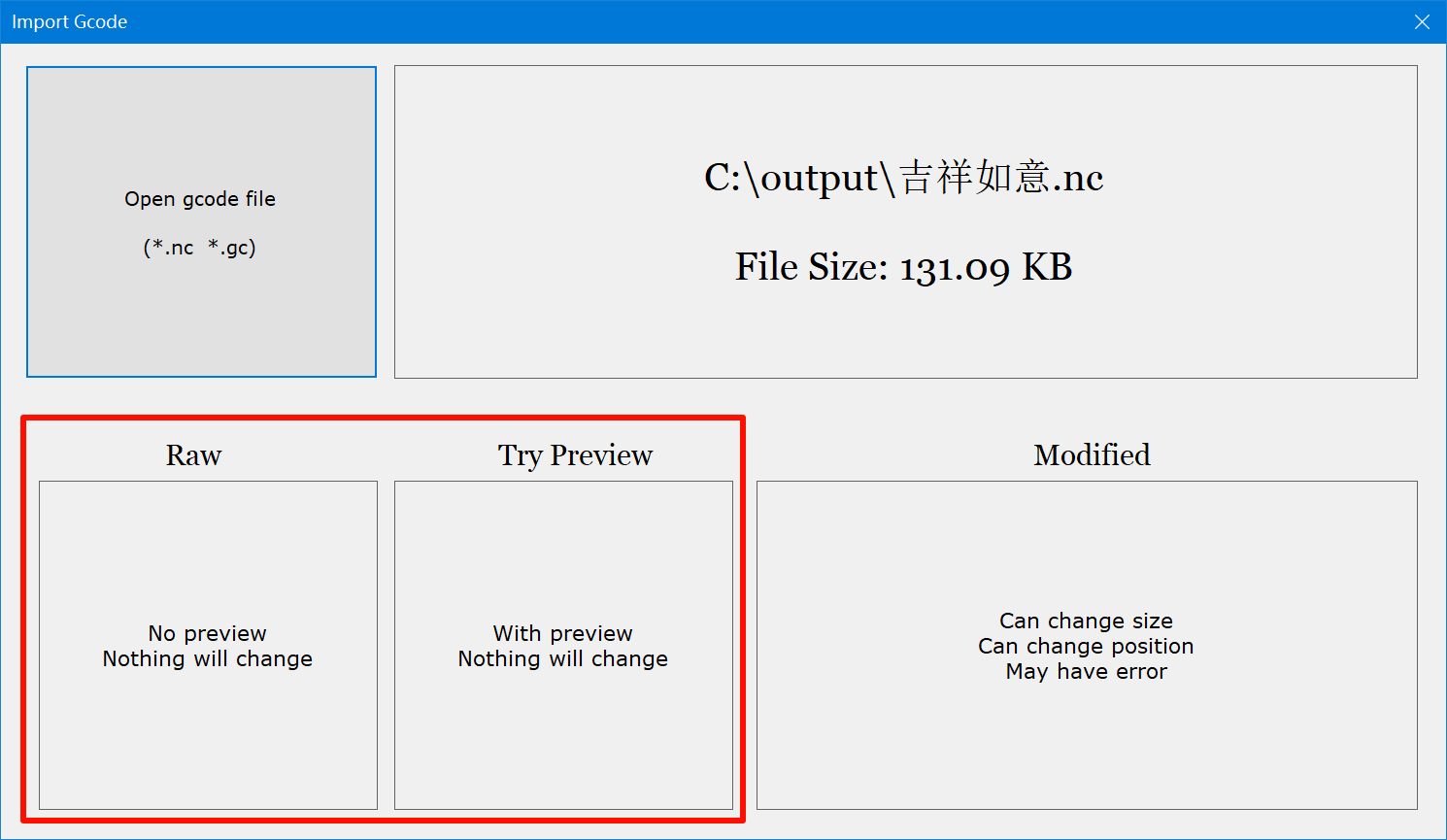
When you import a gcode file, if you select Raw or Preview only
Then all gcode will be sent to your device in its entirety, and all standard GRBL instruction sets will be accepted
If you select Modify, you may not receive all GRBL instruction sets, please double-check
Because NEJE software can now generate very standard gcode, it is no longer recommended to use Inkscape, the latest version greatly improves the speed of work and skips empty space, it is recommended to use NEJE software to process images.
This is because sensorless reset requires a little distance back to initialize the current parameters.
Reaching the end and making noise will not damage your device.
We will optimize this in the future.
I’ll give you information here when the fix is complete.
when starting software if newer versions are available, it pops up a modal window for updating software and firmware, and if I just close this window it keeps popping up and does not allow to work with current software/firmware options.
This is somewhat inconvenient, what if the user by some reason does not want to update? F.e. if he does not have internet connection, or by any other reason?
User MUST have a choice either apply updates or don’t apply them.