There is an instruction from Neje how to activate homing on Neje Master 2 with mb revisions prior to 10:
So to do the same for Neje Master 1 with MB revisions <10 (mine has revision 8) after doing wiring/soldering as described in .pdf, we need to upload a firmware that activates homing.
File is available at Dropbox
Open LaserGRBL, without connecting to your machine click on Tools/Flash Grbl Firmware.
Click on ‘Firmware list’ and chose ‘Select custom firmware’.
Select the file (the one from attachment), then select any item from ‘Target’ list, after that change Baud Rate setting to 57600.
Click ‘OK’ and confirm.
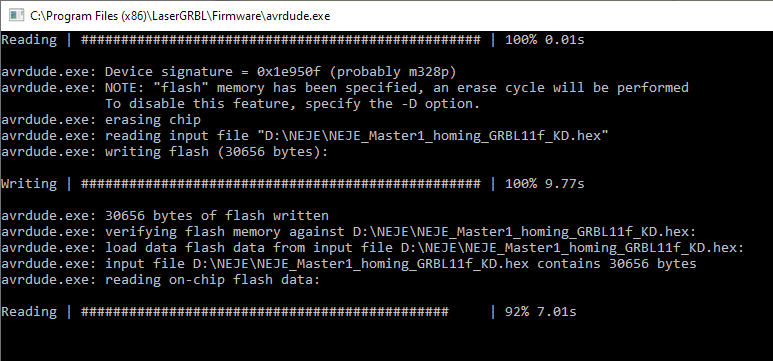
Upload window will pop-up:
Next, connect to your machine at 38400 baud and set $22=1 (homing enabled)
You might need to play with parameter $23, I use $23=5.
Happy engraving!